
TikTok Watermark: Why It Exists & How Removal Works
Why TikTok stamps a moving logo on saved videos, how watermark-free downloading actually works under the hood, and why cropping and blurring are the wrong tools.
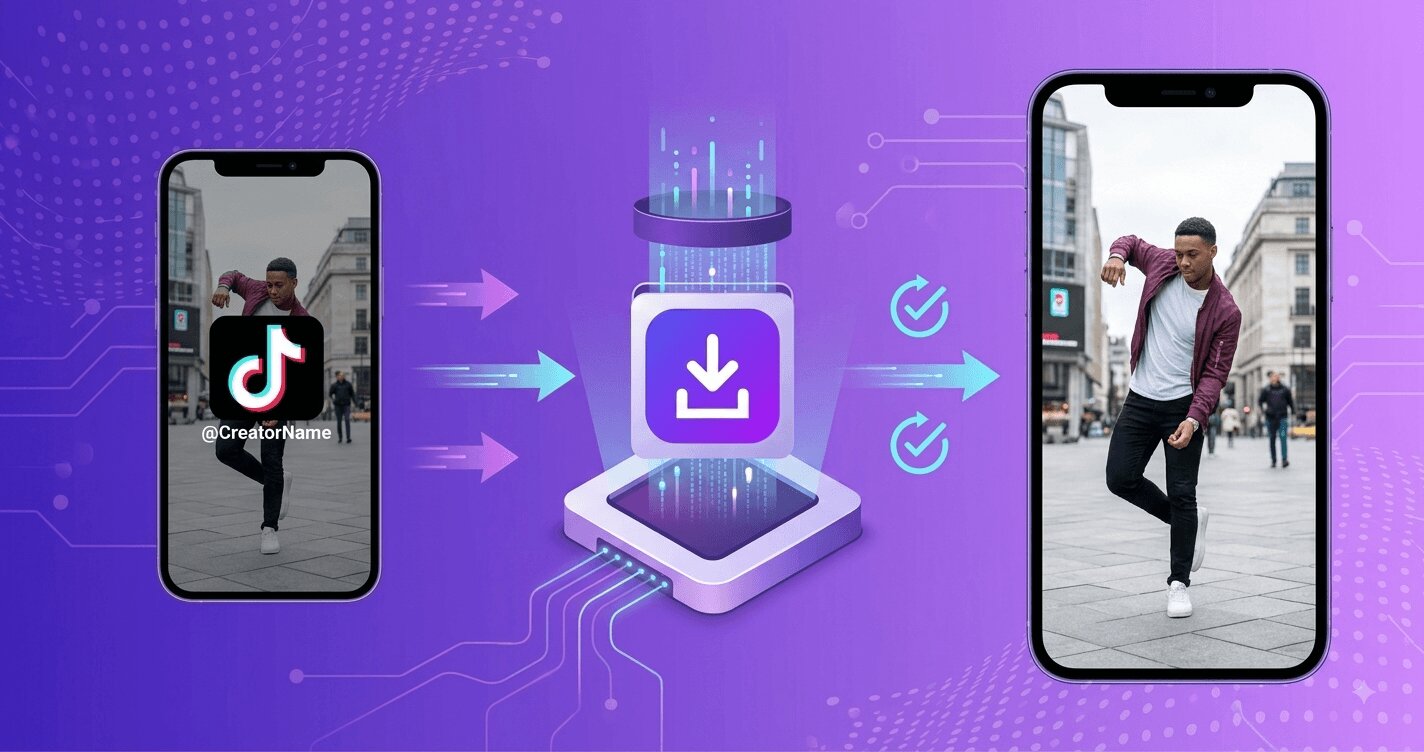 The TikTok watermark might be the most-Googled annoyance on the internet's most-downloaded app: a logo plus username that drifts around the frame of every saved video, deliberately positioned so you cannot crop it away. Most articles about it jump straight to removal tricks. This one starts a step earlier — what the watermark is, why TikTok wants it there, and why the phrase watermark removal describes the wrong mental model entirely. Understanding that last part is what separates clean results from smeared ones.
Why TikTok watermarks saved videos
The watermark serves TikTok, not you, in three ways:
- Free advertising. Every TikTok clip reposted to Instagram, YouTube or WhatsApp with the logo attached is a moving billboard. The watermark turned TikTok's own virality into a customer-acquisition channel — competitors noticed, which is why Reels and Shorts now penalize it.
- Attribution. The username in the watermark keeps the creator attached to the clip as it travels — genuinely useful when content gets ripped without credit.
- Content tracing. A visible platform marker makes recycled content easy to identify — by people and by competing platforms' detection systems alike.
Note what is not on that list: copyright protection. The watermark has no legal function — a video is copyrighted with or without it, a point we unpack in the legality explainer.
The key insight: the watermark is added at export, not stored on the video
Here is the fact that reframes everything. TikTok's servers store the clean video — the file the creator uploaded, transcoded into several quality lanes (the full detail is in our quality explainer). When you watch a video in the app, you are streaming a clean lane; there is no logo baked into what plays in your feed beyond the app's own interface overlay. The watermark is burned in only when TikTok generates the downloadable export for the Save video button.
So the honest description of what a good downloader does is not removing the watermark — nothing is removed. It skips the watermarked export entirely and downloads the clean stream that always existed. When you paste a link into SSSTikTok, it fetches the same unmarked file the app streams to viewers, at the best quality lane available. No pixels are altered; there is nothing to remove.
Why the alternative removal methods look bad
Knowing the above, you can see why the DIY approaches all fight the wrong battle — they take the watermarked export as given and try to undo it:
- Cropping cannot work by design: the watermark moves between corners precisely so no single crop excludes it. Cropping both zones cuts a huge slice of the frame.
- Blur and inpainting tools smear the region where the logo was; the animated movement means a wandering smudge across the whole video. AI object-removal handles static logos passably and moving ones poorly.
- Screen recording trades the watermark for interface elements, notification risk, and a full extra compression pass.
Every one of these methods also starts from the export file — the compressed 720p render — so even a perfect erase would leave you with the worst-quality version. Downloading the clean stream starts from the best one. The comparison is not close.
The three-step clean download, for completeness
- Copy the link: Share → Copy link in the app, or the address bar on tiktok.com.
- Paste it at ssstiktok.me.
- Download — the file is watermark-free at the highest available quality, because that is what the server had all along. Slideshows and audio follow the same principle through the slides and MP3 tools: image posts and sounds are stored clean, and the tools fetch them as-is.
The etiquette that replaces the watermark
One fair point in the watermark's favor: it carried attribution. If you download clean copies of other people's work to re-share, the attribution becomes your job — visible credit, permission for reposts, and nothing monetized without a license. The watermark was never the creator's protection; your conduct is. (For creators cleaning up their own videos to cross-post, no such question arises — see the repost workflow.)
Do other platforms play the same game?
Understanding TikTok's watermark gets more useful once you notice it is an industry pattern, not a TikTok quirk. Instagram stamps Reels exports with its own logo and handle; YouTube marks downloaded Shorts; even smaller vertical-video apps have copied the mechanic. In every case the architecture is identical to what this article described: clean file on the server, branding burned in at export, the watermark serving the platform's growth rather than the creator's rights. The competitive logic is identical too — each platform penalizes rivals' watermarks in its recommendations while happily stamping its own, which is how a creator cross-posting naively can end up algorithmically punished on every platform at once, each app objecting to the others' logos. That is the deeper reason the clean-source principle matters beyond aesthetics: in a multi-platform world, the unwatermarked file is the only neutral format, the master copy from which every platform-native version derives. Creators who internalize this stop thinking of watermark removal as a trick and start treating the clean file as the asset — archived once at source quality, dressed per platform at posting time, exactly the workflow the repost guide formalizes. And as a viewer, the pattern recognition transfers: whatever app you are saving from, the question is never how to erase the logo — it is whether a tool exists that fetches the clean stream the platform already holds. For TikTok, that answer is a paste away.
FAQ
Q: Why does TikTok put a watermark on saved videos?
Marketing and attribution: reposted clips advertise TikTok on rival platforms and keep the creator's username attached. It is added only to the export the Save button produces — not to the video stored on TikTok's servers.
Q: How do watermark-free downloaders actually work?
They skip the watermarked export and download the clean stream the app itself plays — the file as the creator uploaded it. Nothing is erased or edited; the watermark simply never gets added.
Q: Is removing the TikTok watermark illegal?
The watermark has no legal force, so obtaining a clean copy is legally the same as a watermarked one — what matters is how you use the video. Passing off someone else's clean video as your own is where problems begin.
Q: Can I remove the watermark from a video I already saved?
Poorly — crop, blur and AI tools all struggle with the moving logo and start from the compressed export anyway. If the video is still online, re-downloading the clean version takes seconds and gives a better result than any editing.
Q: Does the clean download lose quality compared to the app?
No — it is typically better than what the Save button gives you, because the downloader can select the highest quality lane (up to 4K) instead of the compressed export.
Q: Why does the watermark move around instead of staying in one corner?
Deliberate anti-crop engineering: the logo alternates between positions during playback precisely so that no single crop can exclude it — cropping one zone leaves it visible in the other, and cropping both amputates a huge slice of the frame. It is an elegant defense against exactly one attack, which is why the winning move was never a better crop but a different starting point: the clean stream that never had the logo at all.
Stop fighting the logo after the fact. Paste the link into SSSTikTok and download the version that never had one.