
How to Download TikTok Videos on Android
Download TikTok videos on any Android phone straight from your browser — no watermark, HD quality, saved straight to your gallery. Works in Chrome and every major browser.
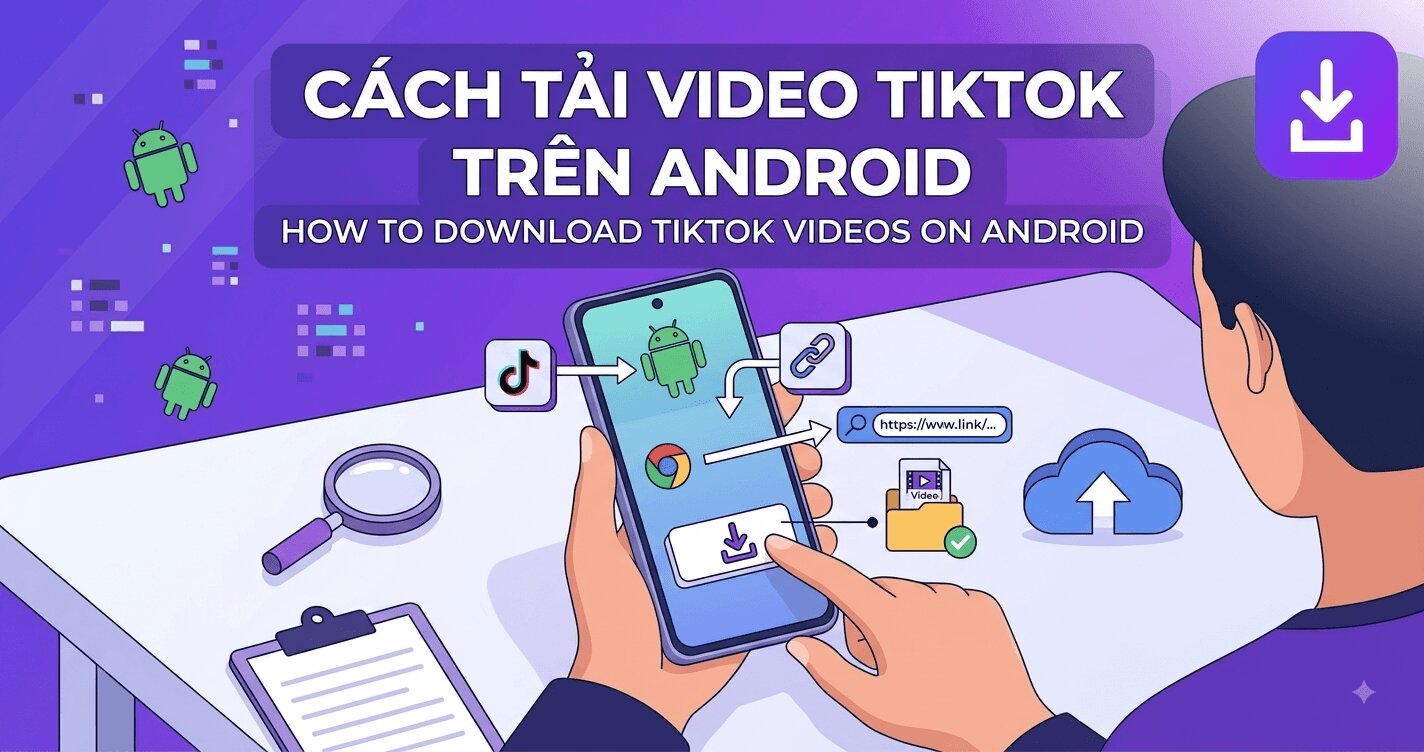 Android makes downloading files easier than any other mobile platform — there is a real Downloads folder, browsers save files without ceremony, and your gallery picks up new videos automatically. Yet most guides for downloading TikTok videos on Android still push you toward sketchy APK downloaders that want notification access and show fullscreen ads. You do not need any of that. Any Android phone with Chrome, Samsung Internet, Firefox or Brave can save a clean, watermark-free TikTok in seconds.
Here is the complete process, plus the Android-specific details other guides skip: where the file actually lands, why some downloads get stuck at 0%, and how to keep HD quality intact.
What you get compared to TikTok's own Save button
TikTok's built-in Save video option works on Android, but it has the same limits as everywhere else: the animated watermark is burned into the picture, creators can disable saving entirely, and the exported file is usually a lower-bitrate 720p copy. Downloading through SSSTikTok instead gives you the source stream — no logo overlay, no username banner, and up to 4K resolution when the creator uploaded in high quality.
Download a TikTok video on Android — 3 steps
- Copy the video link. In the TikTok app, open the video you want, tap Share (the arrow icon), then Copy link.
- Paste it at ssstiktok.me. Open your browser, go to ssstiktok.me, long-press the input field, tap Paste, and hit the download button.
- Choose a format and save. Pick the watermark-free video (highest quality available, up to 4K) or MP3 if you only need the audio. Your browser downloads the file immediately.
On most Android browsers you will see the progress in the notification shade. When it finishes, tap the notification to play the video on the spot.
Where the file goes on Android
Unlike iPhone, Android needs no extra step to reach your gallery:
- The video is saved to Internal storage → Download (or the download folder your browser is configured to use).
- Your gallery app (Google Photos, Samsung Gallery, etc.) indexes the new file automatically — it usually appears in your library within seconds, under a Downloads album.
- If you do not see it, open the Files app, go to Downloads, and play it from there. Google Photos users can check Library → Photos on device.
Android-specific tips
- Escape the in-app browser. If you tapped a link inside TikTok and a built-in browser opened, use the ⋮ menu and choose Open in Chrome. In-app browsers sometimes block file downloads silently.
- Allow the storage permission once. The first time you download, your browser may ask for permission to save files. Deny it and every later download fails with no clear error.
- Watch out for Data Saver. Chrome's Lite mode and some carrier data savers can recompress or stall large video downloads on cellular. On Wi-Fi this never applies.
- Add the site to your home screen. In Chrome: ⋮ menu → Add to Home screen. SSSTikTok works as a lightweight web app, so you get one-tap access without installing anything from the Play Store.
- Batch downloading? If you are saving many clips, do them one after another in the same tab — each download is only a few seconds, and you avoid triggering the browser's multiple-downloads warning.
Slideshows, stories and MP3 on Android
The same three-step flow covers TikTok's other formats, each with its own tool:
- Photo slideshows: the slideshow downloader saves every image in original resolution, or converts the whole post into one MP4 with the music — perfect for re-sharing.
- Stories: TikTok stories vanish after 24 hours; the story downloader grabs them while they are still live.
- Audio only: the MP3 downloader extracts the sound as a clean audio file for editing or offline listening.
If the download will not start
Ninety percent of failed Android downloads come down to four causes: an expired or truncated link (copy it again from the app — do not type it by hand), a private video (only public videos can be fetched), the browser missing its storage permission, or an overly aggressive ad blocker interfering with the download redirect. Walk through our dedicated troubleshooting list in TikTok video not downloading? 8 fixes that actually work if you are stuck, and see the complete no-watermark guide for the fundamentals.
Quality vs data: picking the right file for the moment
Android users manage data budgets more actively than anyone, so it is worth being deliberate about which quality lane you take. The practical math: a one-minute TikTok is roughly 10–30 MB at 720p, noticeably more at 1080p, and a 4K lane can run several times that. That leads to a simple two-mode habit:
- On cellular, saving something to send or re-watch: the standard quality option is fine — it is what the feed shows you anyway, and it downloads in seconds on any connection.
- On Wi-Fi, saving something to keep: take the highest lane offered, every time. Storage is cheap, mobile data is not, and archives assembled at 720p are the ones people regret — the full reasoning is in our HD download guide.
Two storage housekeeping notes while you are at it. First, if your phone supports an SD card, most file managers can move the Download folder's contents across in bulk — videos play from the card exactly the same, and your internal storage stays breathable. Second, downloads are one of the folders cleaner apps love to purge automatically: if you use one, exclude the Download folder or move keeper videos into a dedicated folder the cleaner does not touch. A minute of setup saves the classic where-did-my-saved-videos-go mystery — which, nine times out of ten, was an optimizer app quietly doing its job.
FAQ
Q: Do I need to install an APK to download TikTok videos on Android?
No, and you should not. APK downloaders from outside the Play Store are a common malware vector. Everything works in your existing browser at ssstiktok.me — paste the link, tap download, done.
Q: Where are my downloaded TikTok videos stored?
In your Download folder on internal storage. Your gallery app indexes them automatically; look for a Downloads album in Google Photos or Samsung Gallery, or open the Files app → Downloads.
Q: Why does my download stay at 0% or fail instantly?
Usually the browser lacks storage permission, or you are inside TikTok's in-app browser. Open the site in Chrome directly and accept the permission prompt. If it still fails, copy a fresh link — TikTok links can expire.
Q: Can I download TikTok videos in HD on Android?
Yes. SSSTikTok fetches the highest quality version the creator uploaded, up to 4K. The built-in TikTok save button typically gives you a compressed 720p file instead.
Q: Does this work on Samsung Internet, Firefox or Brave?
Yes. Any modern Android browser works identically: paste the link, tap download, and the file lands in your Downloads folder.
Q: Does this work on Android tablets and Chromebooks?
Yes, identically — the flow is browser-based, so any Android tablet runs it exactly like a phone, and Chromebooks behave like desktop Chrome with the same Downloads-folder behavior. Larger screens actually make batch sessions more comfortable; the only difference to expect is that some tablet gallery apps index the Downloads folder slightly differently, in which case the Files app always has your videos.
That is everything — open SSSTikTok, paste a link, and your first clean TikTok download will be in your gallery in seconds.