
TikTok MP3 Quality Explained: Bitrate, Formats & Best Settings
What bitrate TikTok audio really is, why converter sites promising 320 kbps are misleading you, and how to get the genuinely best sound out of any TikTok.
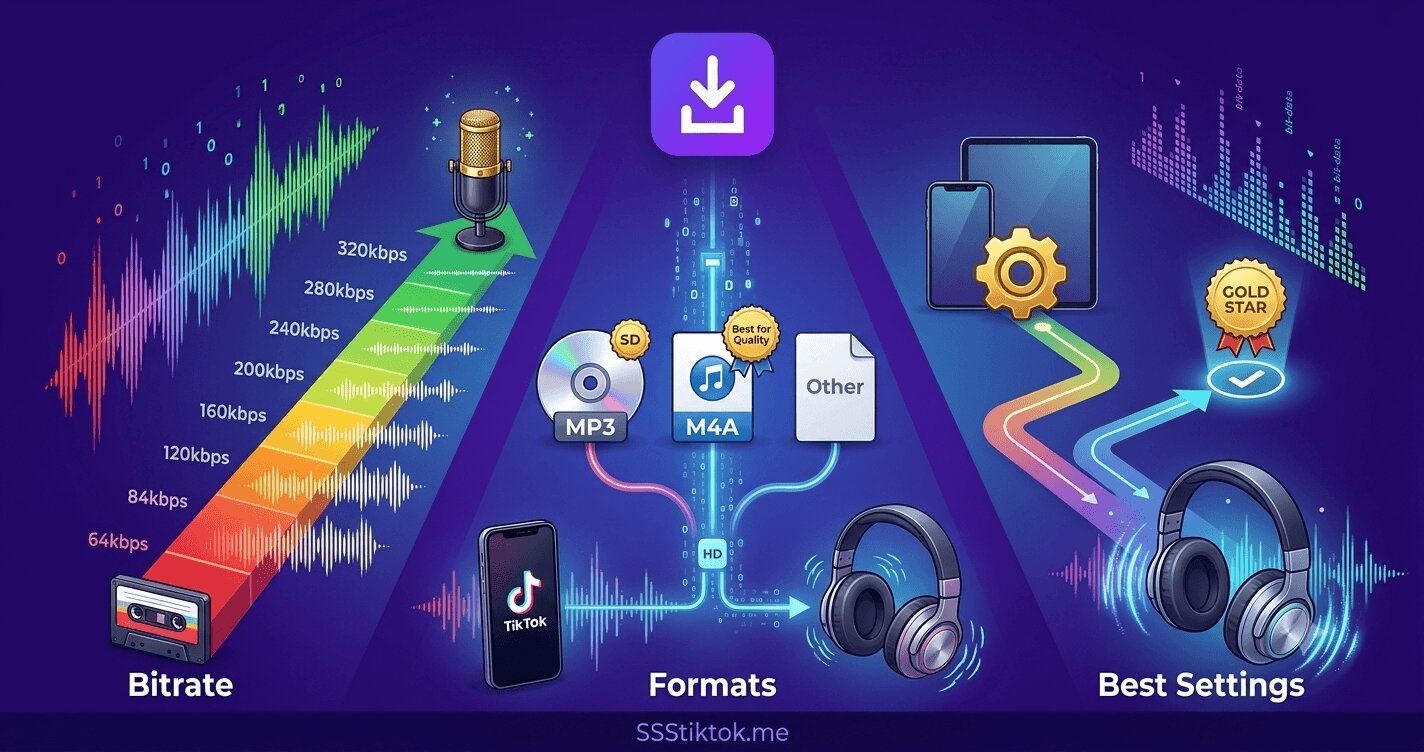
Search for a TikTok to MP3 converter and you will see sites advertising crystal 320 kbps studio quality downloads. It sounds great and it is nonsense — not because the tools are broken, but because of a rule that governs all audio extraction: you cannot download quality that the source never had. This guide explains what TikTok audio actually is under the hood, what an extracted MP3 can honestly deliver, which settings matter (and which are marketing), and how to squeeze the genuinely best sound out of the platform.
Just want the file? The SSSTikTok MP3 downloader extracts audio at the real source quality, no inflated bitrate claims. Here is why that matters.
What TikTok audio actually is
TikTok stores and streams audio as AAC (the standard codec inside MP4 video), typically at bitrates around 128 kbps — sometimes a bit more, often less for older or heavily re-processed uploads. That number is set by TikTok's transcoding pipeline, the same one that processes video into quality lanes (see the video quality explainer — audio simply has fewer lanes). Every sound on the platform passed through this compression at upload, and whatever the creator's original file was — a studio WAV, a phone recording — what lives on TikTok's servers is the 128-kbps-class AAC. That is the ceiling. No downloader, converter or AI enhancer changes it.
The 320 kbps trick, explained
So what are the sites offering 320 kbps MP3 downloads doing? Re-encoding the 128 kbps AAC into a 320 kbps MP3 container. The file gets bigger; the sound does not get better — you cannot re-create the frequencies the first compression discarded. It is the audio equivalent of upscaling a 720p video to 4K: bigger numbers, same information, and arguably slightly worse, because every re-encode between lossy formats loses a little more. The label is marketing aimed at people who shop by numbers. An honest extraction keeps the output close to the source bitrate — which is exactly what the SSSTikTok MP3 downloader does.
What 128 kbps actually sounds like (and when it matters)
Deep breath: 128 kbps AAC is fine for almost everything people do with TikTok audio.
- Editing your own content: completely sufficient — the destination platform will re-compress your final export anyway, and voice-overs and meme sounds have nothing to lose.
- Casual listening: on phone speakers and mid-range earbuds, most listeners cannot reliably distinguish it from lossless in blind tests.
- Where the ceiling shows: good headphones at high volume (cymbals and busy high-end smear first), DJing on club systems, and any pipeline that will re-compress the audio several more times — compression artifacts stack, which is the audio lesson of the whole quality series.
For those cases the fix is not a better converter — it is a better source, which brings us to the practical part.
Getting the genuinely best audio: three moves that work
- Extract from the original video, not a repost. Every re-upload cycle re-compresses audio along with video. Tap the sound name in TikTok, find the original creator's video, and extract from that link — the difference against a tenth-generation repost is clearly audible. The full flow is in the sounds guide.
- For commercial music, go to the release. If the track is a released song, the streaming or purchased version is dramatically better than any TikTok extraction — the extraction only wins for TikTok-exclusive audio: original sounds, remixes, voiceovers, sped-up edits that exist nowhere else.
- For your own sounds, keep your originals. Creators: the file you recorded is the master; the platform copy is a compressed derivative. Archive your original audio alongside your videos, as laid out in the creator archive guide — extraction is your recovery path, not your primary copy.
Formats, briefly and honestly
- MP3 — the universal choice; plays on everything ever made. The small conversion cost from AAC is inaudible at these bitrates, and compatibility wins.
- Keeping the AAC/M4A as-is — technically the purest option (no re-encode); worth it only if your player and workflow handle M4A happily.
- WAV/FLAC conversions of TikTok audio — pointless: lossless containers around lossy content. Ten times the file size, zero quality gained; treat any site pushing them as a numbers-marketing flag, the same category as the 320 kbps badge and the other patterns from the downloader comparison.
Hear it yourself: a two-minute listening test
Bitrate arguments end fastest with your own ears, so here is the honest way to test — designed to defeat the two illusions that fool most casual comparisons:
- Get two versions of the same audio: a TikTok extraction of a released song, and the streaming or purchased original.
- Match the volume first. This is the step everyone skips and the one that matters most: the louder version reliably sounds better to human ears regardless of actual quality, and versions from different sources almost never match in loudness. Nudge the quieter one up until they feel equal.
- Use your best headphones, not your speakers, and pick a busy section — a full chorus with cymbals, layered vocals, dense percussion. Compression artifacts hide in simple passages and expose themselves in crowded ones.
- Switch back and forth mid-section and listen specifically for: cymbals and hi-hats smearing into hiss, the stereo image narrowing, and a general veil over the top end. Those are the fingerprints of lossy compression at this bitrate class.
Typical honest result: on phone speakers or budget earbuds, no reliable difference; on good headphones in a busy chorus, an audible but modest gap. Which is exactly the article's argument in experimental form — TikTok audio is fine for what people actually use it for, the ceiling is real when you go looking for it, and now you know which side of that line your own ears and gear sit on. Test once, stop wondering, and spend the reclaimed attention on finding the original upload — the one variable that changes extraction quality more than any setting.
FAQ
Q: What bitrate is TikTok audio really?
Roughly 128 kbps AAC in most cases — set by TikTok's transcoding at upload. Every download and conversion inherits that ceiling regardless of what number the tool's label promises.
Q: Are 320 kbps TikTok MP3 downloads real?
The files are real; the quality is not. They are 128 kbps sources re-encoded into a 320 kbps container — larger, no better, marginally worse from the extra lossy pass.
Q: What is the best way to get high-quality audio from TikTok?
Extract from the original poster's video rather than reposts; for released music, use streaming or purchase instead; for your own sounds, keep your original recordings and treat extraction as backup recovery.
Q: Should I download TikTok audio as MP3 or M4A?
MP3 for universal compatibility — the conversion cost is inaudible at these bitrates. M4A avoids the re-encode entirely if your tools support it. Avoid WAV/FLAC conversions; they add size, not quality.
Q: Can AI audio enhancers improve extracted TikTok sound?
They can change it — de-noise, EQ, widen — which sometimes sounds subjectively nicer, but the discarded original information is not recoverable. Useful as a taste tool, not a quality restoration.
Q: If I convert my extracted MP3 to another format later, do I lose more quality?
Every conversion between lossy formats (MP3 to AAC, AAC to OGG and so on) loses a little more — the losses stack silently. The clean practice: treat your first extraction as the master, keep it untouched, and convert from that master directly whenever a device needs a different format, rather than chaining conversions from conversions. One generation from the source is inaudible housekeeping; five generations is audible mush.
Honest numbers, honest tool: paste the link into the MP3 downloader and get exactly what TikTok has — the real source, cleanly extracted, no inflated labels.