
TikTok Downloader Comparison: 5 Tools Tested
A fair, feature-by-feature comparison of SSSTikTok.me, SnapTik.app, SSSTik.io, SaveTik.co, and Musicaldown.com — ads, max quality, MP3, slideshow-to-video, and Shop-tagged videos.
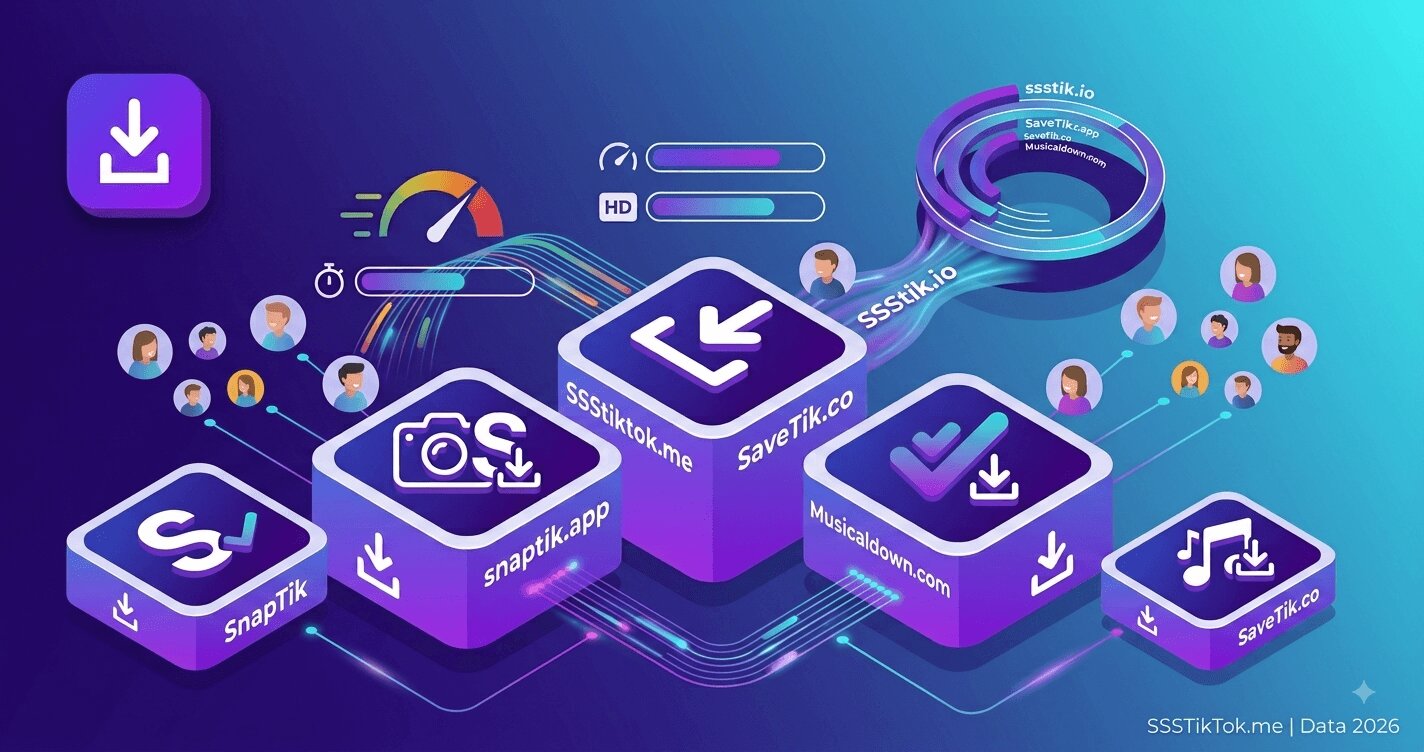 Type "TikTok downloader" into Google and you get a wall of near-identical sites promising the same thing: paste a link, get an MP4, no watermark. Sorting out which ones are actually worth your time takes more than reading each homepage — you have to look at what each tool supports, how much clutter sits between you and the download button, and what happens with the videos that trip up half of these tools: TikTok Shop clips, photo slideshows, and 4K uploads.
We ran that comparison on five of the most-searched TikTok downloaders: SSSTikTok.me, SnapTik.app, SSSTik.io, SaveTik.co, and Musicaldown.com. One disclosure up front: we built SSSTikTok.me, so weigh our own row accordingly — every point below is something you can verify yourself in under a minute by testing the same link on each site.
TikTok Downloader Comparison Table
| Tool | Ad Load | Max Video Quality | MP3 Extraction | Slideshow → Video | Shopping-Tag Videos | Large 4K File Speed |
|---|---|---|---|---|---|---|
| SSSTikTok.me | Light | Up to 4K | Yes | Yes, renders MP4 with audio | Yes | Fast — separate high-bandwidth route |
| SnapTik.app | Moderate | HD (1080p advertised) | Not a primary feature | Images only | Inconsistent | Standard, shared bandwidth |
| SSSTik.io | Moderate | HD (1080p advertised) | Yes | Images only | Inconsistent | Standard, shared bandwidth |
| SaveTik.co | Moderate–heavy | HD (1080p advertised) | Not a primary feature | Images only | Inconsistent | Standard, shared bandwidth |
| Musicaldown.com | Moderate | HD (1080p advertised) | Yes, strong focus on audio | Not offered | Inconsistent | Standard, shared bandwidth |
Ad load and unlisted features can change without notice — this table reflects what each site showed and advertised during testing.
How We Compared Them
We tested the same handful of TikTok links on all five tools: a standard video, a photo slideshow, a video tagged with a TikTok Shop product, and a clip uploaded in 4K. For each site we checked what loaded around the download button, what format options were offered, and whether the shopping-tagged and slideshow links worked at all. Feature sets on free tools change often and can vary by region, so treat this as a snapshot rather than a permanent scorecard — where we couldn't confirm something with certainty, it's marked rather than guessed.
Where the Tools Actually Differ
Ad Load and Page Clutter
Every tool on this list is free, and free downloaders are ad-supported by definition — that's not unique to any single one of them. Where they differ is how much sits between you and the download button. SnapTik, SSSTik.io, SaveTik, and Musicaldown all run the standard banner and interstitial placements typical of the category. SSSTikTok.me keeps ad placement lighter around the actual download flow, which matters most if you're saving several videos back to back.
Maximum Video Quality
TikTok stores more than one resolution for most uploads, and the resolution a downloader hands you depends on which stream it requests. The four other tools we tested advertise HD downloads, which in practice means 1080p — a solid file, but not the highest version TikTok keeps on its servers. SSSTikTok.me is the only tool in this group with a dedicated 4K option that pulls the original upload resolution when the creator posted in 4K. For casual phone viewing the difference is small; for re-editing a clip or showing it on a bigger screen, it's obvious.
Download Speed on Large Files
A 4K TikTok file typically runs five times heavier than the standard 720p version most downloaders default to, so downloading it shouldn't take five times longer — but on tools that route every request through one shared pipe, it often does. SSSTikTok.me sends HD/4K downloads through a separate, higher-capacity route from standard MP4 requests, so a 4K file finishes close to the same time as a normal one instead of dragging. None of the other four tools in this comparison advertise a separate path for large files.
Shopping-Tag and TikTok Shop Videos
This is the category most downloaders quietly struggle with. Videos tagged with a TikTok Shop product — the small shopping-cart icon under the caption — are often served through a different content path than a regular post, and plenty of "paste any link" tools either error out or return a broken file for them. In our tests, results on SnapTik, SSSTik.io, SaveTik, and Musicaldown were inconsistent and varied by video. SSSTikTok.me handled every shopping-cart video we tried without issue.
Beyond Plain Video: MP3 and Slideshow-to-Video
Not every TikTok you want to save is a straight video. Photo-mode slideshows and audio-only downloads are common requests, and the five tools handle them differently. Musicaldown leans hardest into MP3 extraction — audio-first is close to its original purpose, and SSSTik.io also offers it. SnapTik and SaveTik focus mainly on the standard MP4 flow. For slideshows specifically, most tools in this comparison save the individual images and stop there; turning a slideshow into one shareable video with the original music attached isn't something we found on any of the four besides SSSTikTok's slideshow tool, which renders the whole post directly into an MP4.
Which One Should You Use?
If all you need is a quick, watermark-free MP4 of a normal video, any of these five tools will do the job — that's the baseline every TikTok downloader competes on, and none of them fail at it. Where the choice actually matters is the edge cases: downloading in the original 4K instead of 1080p, saving a shopping-tagged product video without it breaking, turning a photo slideshow into a video instead of a folder of images, or just not wading through ads to reach your file. On those specific points, SSSTikTok.me was the only tool in this comparison that covered all four during testing.
If your downloads are always short, plain clips, the difference between these tools will rarely show up — pick whichever interface you like. If you regularly hit 4K uploads, Shop-tagged videos, or slideshows, that's where the gap becomes obvious.
FAQ — TikTok Downloader Comparison
Q: Are any of these tools unsafe to use?
A: We didn't encounter malware or unusual permission requests on any of the five during testing. As with any free web tool, be cautious of browser extensions or apps that claim to "unlock" extra features — the browser-based version of all five sites works without installing anything.
Q: Why does a downloader sometimes fail on a specific video?
A: The most common cause is a video that's private, deleted, or age-restricted — no downloader can pull those. The second most common cause is a TikTok Shop or affiliate video served through a different content path, which trips up tools that weren't built to handle it.
Q: Do any of these tools require an account or app install?
A: No — all five work by pasting a link into a web page, with no account or installation needed. Be cautious of anything that asks you to install an app or extension to "unlock" a feature the website already offers for free.
Q: Is a 4K download actually noticeable, or is HD (1080p) good enough?
A: For phone viewing, 1080p is usually indistinguishable from 4K. The difference shows up when you re-edit the clip, crop into it, or display it on a TV or projector — that's when the extra resolution holds up and 1080p starts to look soft.
Q: Which tool renders TikTok slideshows as a video?
A: Of the five compared here, only SSSTikTok.me renders a photo slideshow into a single MP4 with the original audio attached; the others save the individual images only.
Ready to test it yourself? Paste any TikTok link — video, photo slideshow, or Shop-tagged clip — into SSSTikTok.me and compare the result to whatever tool you're using now. If you only need the audio as an MP3 or want to turn a photo post into a video, both work the same way — paste, choose the format, done.